WinTronic
Native Windows automation for Stream Deck, built from the Mac-A-Tron model.
Table of Contents
Introduction
WinTronic is the Windows Stream Deck counterpart to Mac-A-Tron. It is largely a native port because the authors are primarily Mac based, but do use Windows also and want the same practical button workflows available there.
The plug-in bundles the Windows robo.exe helper. That keeps keyboard chains,
text transforms, browser targeting, mouse placement, window movement, clocks, and timers
in a native Windows process instead of relying on JavaScript alone.
Installation & Setup
- Install the WinTronic Stream Deck plug-in package.
- Add actions to your Stream Deck from the WinTronic category.
- Use the bundled
robo.exefor the automation work behind those buttons.
WinTronic does not need macOS Accessibility permissions. Windows UI automation has different constraints, so behavior is close to Mac-A-Tron but not identical.
Available Actions

Keyboard Shortcut
Type text and keyboard shortcuts using the same {curly brace} syntax as Mac-A-Tron.
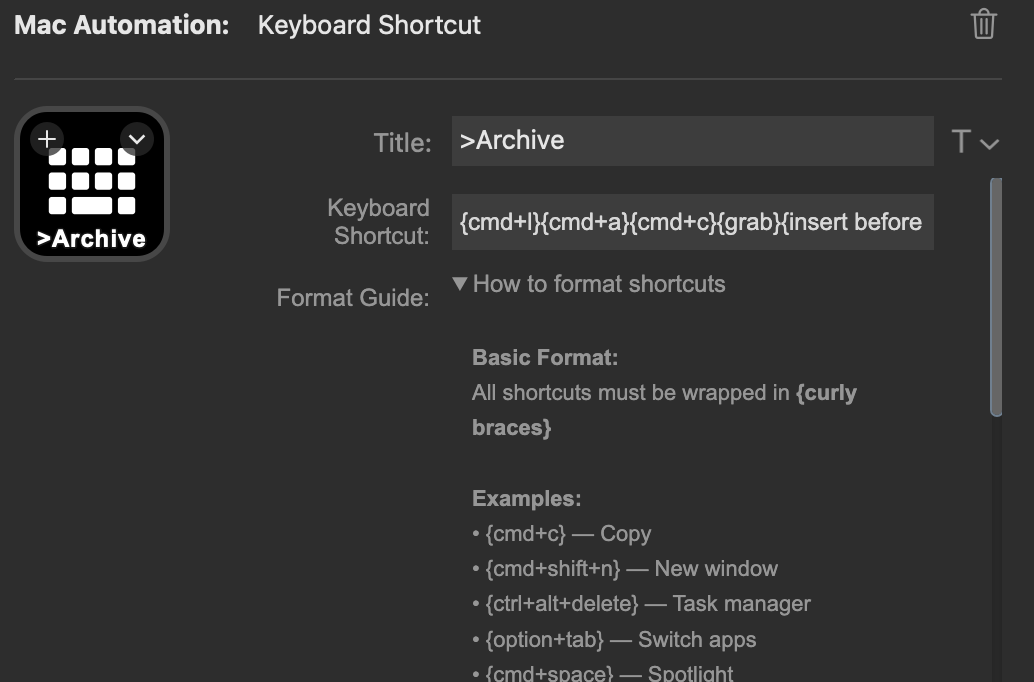
- Plain text is typed as-is.
{cmd+c}maps to Ctrl+C on Windows, which keeps many chains portable.- Clipboard commands such as
{grab},{put}, and buffer transforms are handled byrobo.exe.

Transform Text
Apply a Robo text transform to selected text, the whole field, or the clipboard.
- Source: Selected Text, Whole Field, or Clipboard.
- Transform: Auto, ROT-13/18, case, trim, line sorting/dedupe, JSON, XML, HTML, URL, Base64, and ASCII extraction.
- Output: Paste in place or copy to clipboard only.
WinTronic does not include the Mac-only Open in Textulon output option.
Transforms run through the bundled Windows robo.exe helper.

Browser Tab
Switch to an existing browser tab or open a new one if no match is found.
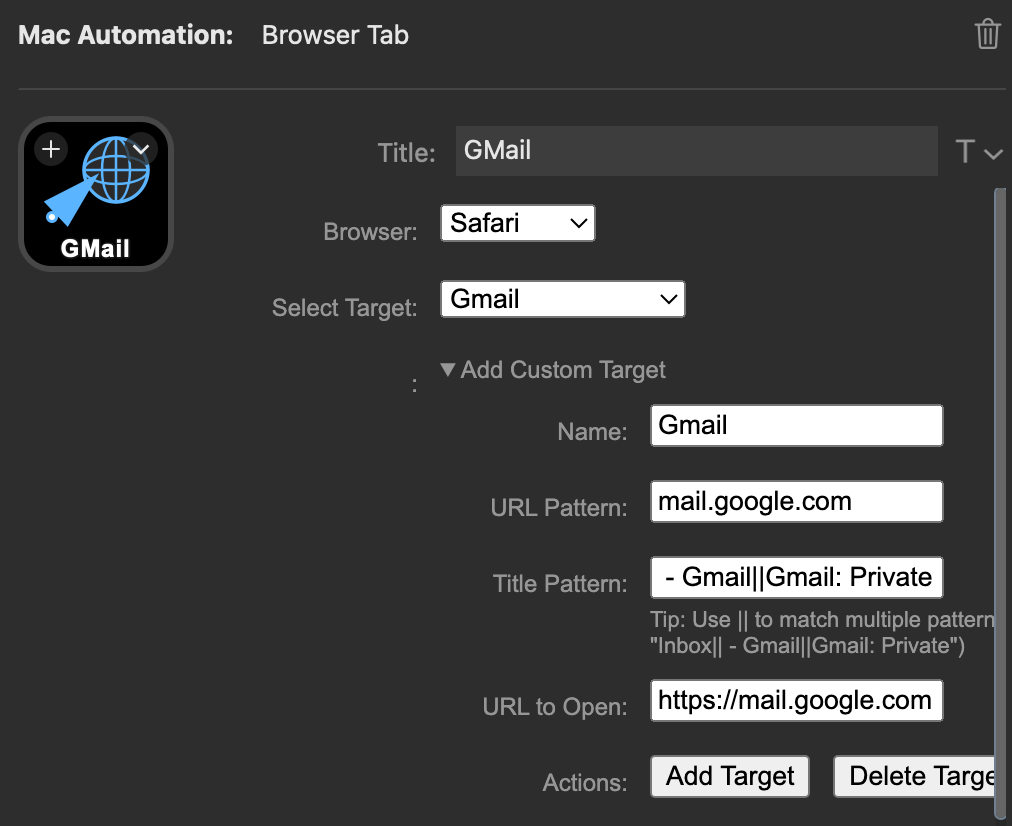
- Select a browser and a target pattern.
- Match by URL and title, with custom targets for pages you use as apps.
- Expect slower switching than macOS because Windows browser automation is less direct.
Move Mouse
Move the cursor to the active window or a screen anchor.
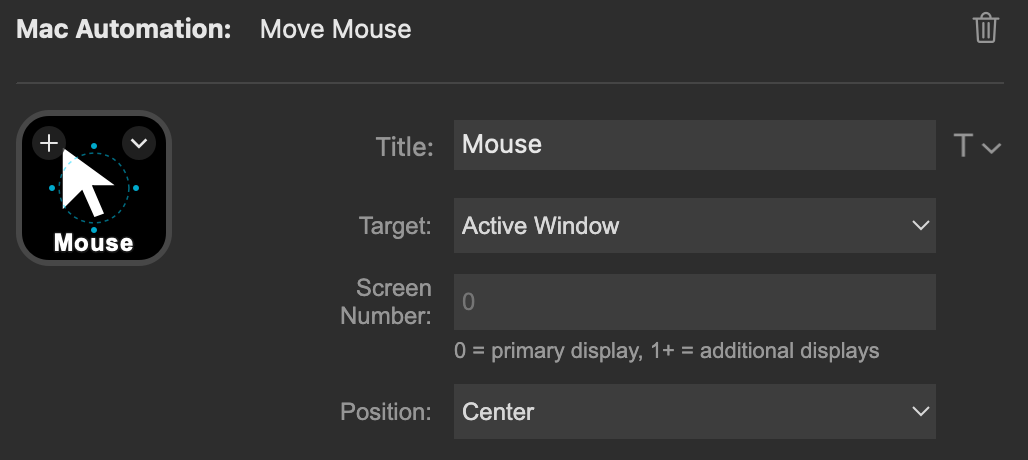
- Target the active app window or a numbered screen.
- Move to center or home position.
Move App
Move and resize the focused window with repeatable button presses.
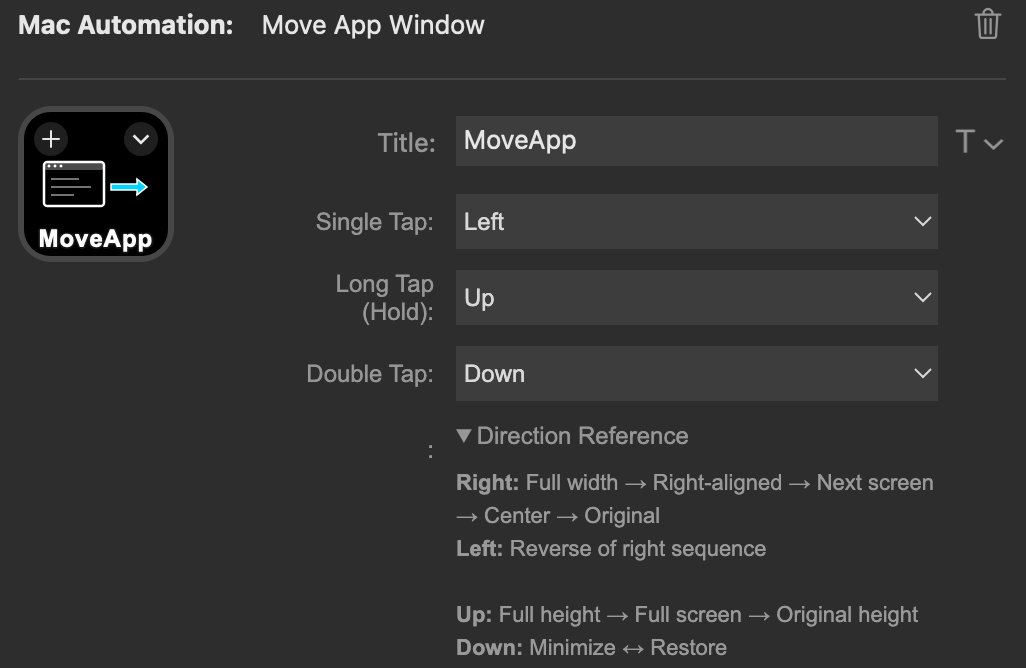
- Configure single tap, long press, and double tap directions.
- Cycle left/right/up/down window states using the Windows Robo helper.

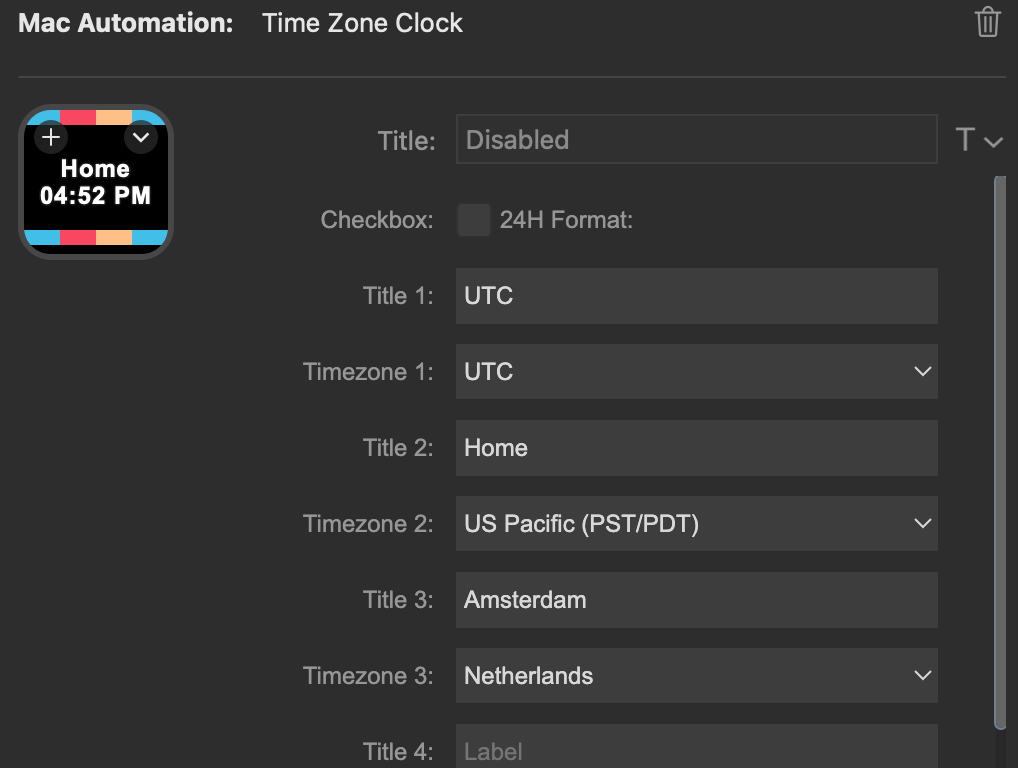
Time Zone Clock
Display and cycle through up to five labeled time zones.

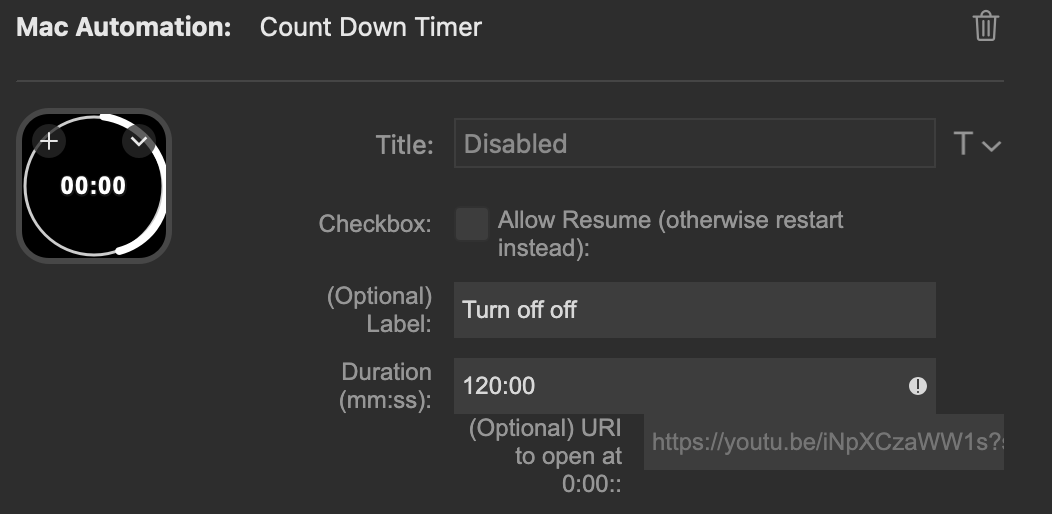
Countdown Timer
Run a labeled countdown timer from a Stream Deck key.

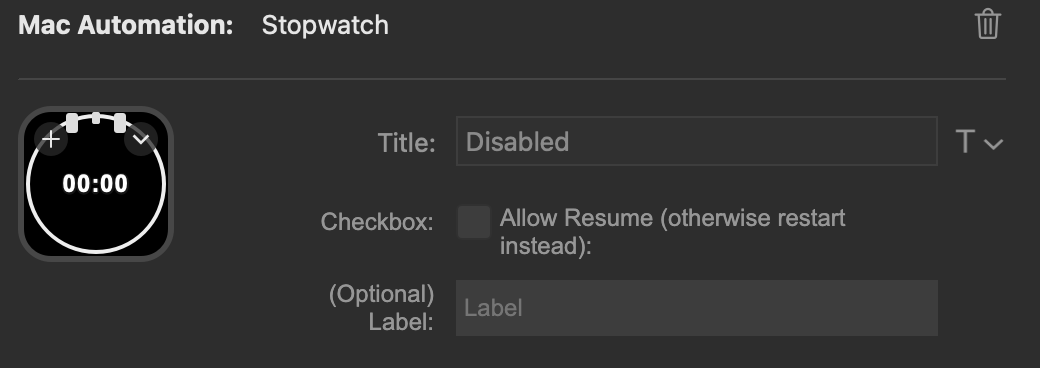
Stopwatch
Track elapsed time with start, stop, resume, and reset behavior.