robomac tools for real desktop automation
Stream Deck plug-ins, native helpers, and small companion apps for people who want buttons and keyboard workflows to do useful work instead of just launching apps.
The Site
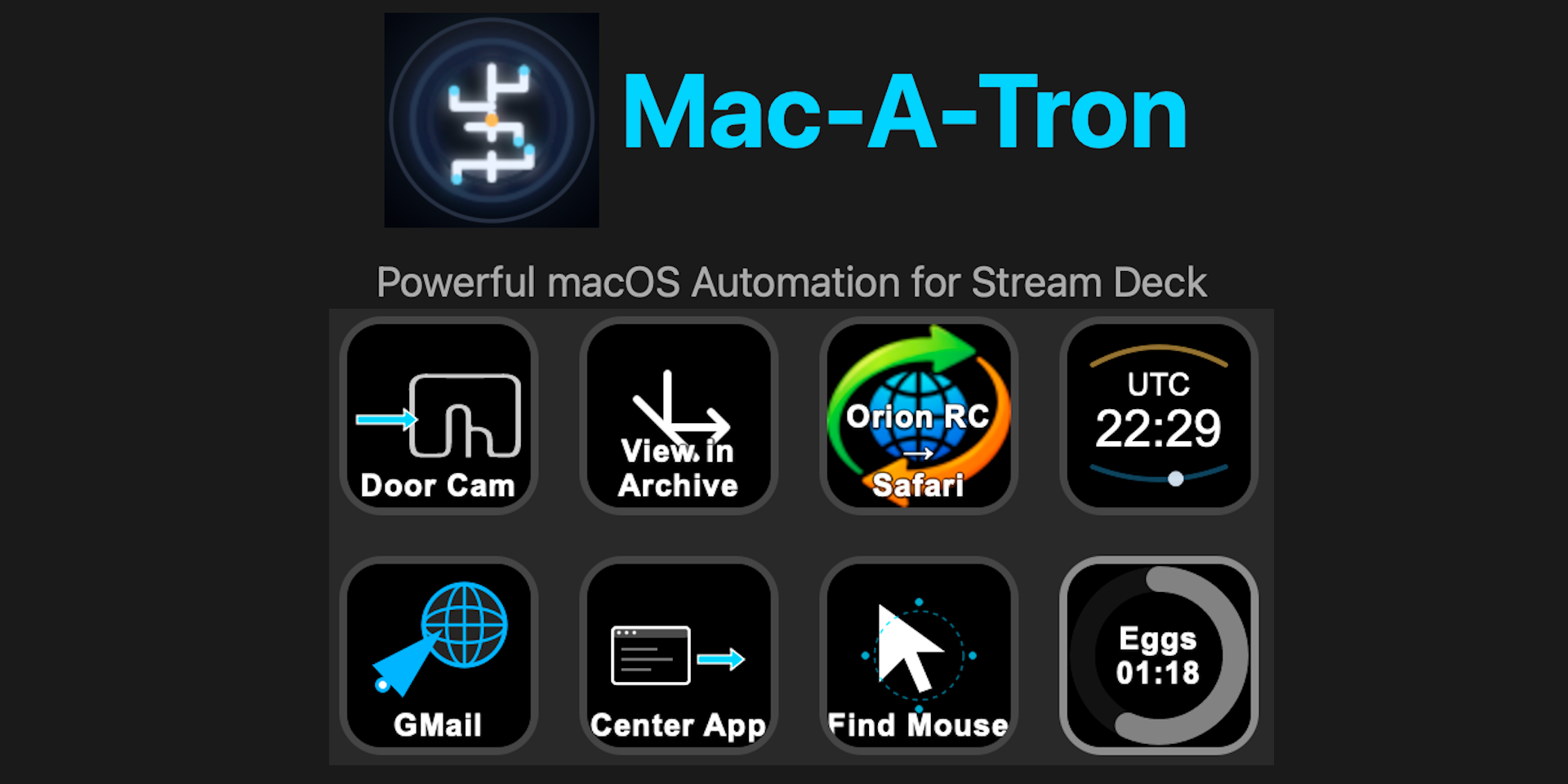
This site documents the robomac suite: Mac-A-Tron, WinTronic, SnapMatic, Textulon,
Glypher, and the shared robo command-line engine. The work is clearly
built from daily desktop friction: moving windows predictably, finding browser tabs
by intent, transforming selected text, and making Stream Deck buttons operate at the
level of a real workflow.
The author voice throughout the project is practical and user-driven: primarily Mac based, comfortable on Windows when work requires it, and more interested in reliable native behavior than in decorative abstraction.
Product Philosophy
Native where it matters
macOS and Windows automation need OS-specific helpers. The suite uses Swift on Mac and .NET on Windows instead of asking JavaScript to fake low-level desktop control.
Buttons as workflows
Actions are meant to target a task: find the right browser tab, transform the active selection, move the focused window, or run a repeatable text chain.
Small tools, shared engine
Mac-A-Tron and WinTronic expose buttons, Textulon gives text a focused UI, and Robo keeps the command surface scriptable and testable.
Products
Mac-A-Tron
macOS Stream Deck automation for keyboard chains, text transforms, browser tab targeting, default browser switching, window movement, pointer placement, timers, clocks, and BTT triggers.
WinTronic
Windows Stream Deck automation using the native Windows Robo port. It covers the core keyboard, text transform, browser tab, window, mouse, and timer actions without the Mac-only extras.
SnapMatic
A macOS menubar window manager for global hotkeys and per-application window cycling, designed to make repeated window placement predictable.
Textulon
A floating macOS editor for inspecting, transforming, previewing, querying, and reshaping text handed to it by another tool or by the command line.
Glypher
A cross-platform Stream Deck plug-in for inserting Unicode characters without memorizing shortcuts or opening a character picker.

Robo
The native command-line layer behind the automation buttons: keyboard chains, clipboard transforms, browser commands, window movement, settings, and diagnostics.